Get started
Features
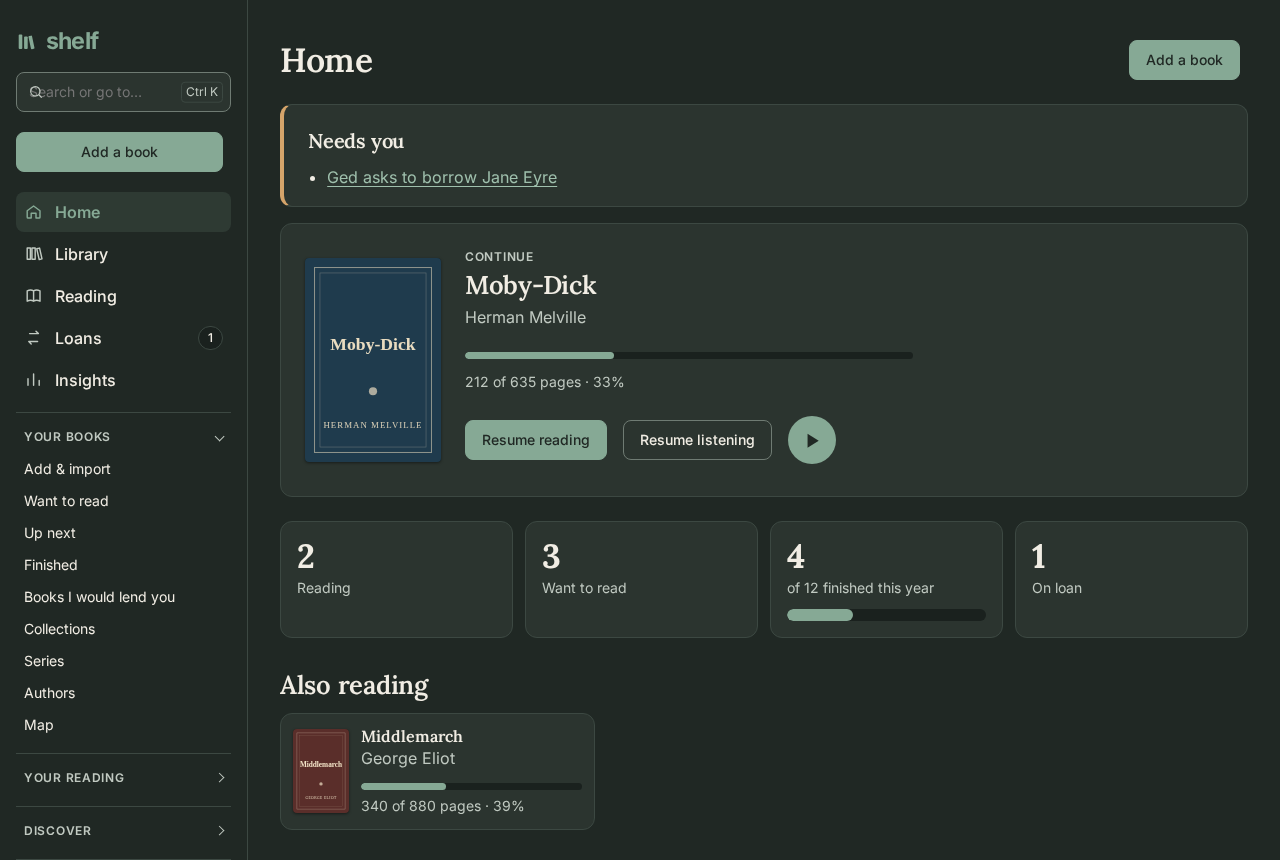
Shelf is one place for every book you have, on paper, as an e-book, or as an audiobook: what you're reading, where you stopped, what you thought of it, and who has it now. Here is what it does, page by page. Each part links to its guide.
A library of every kind of book
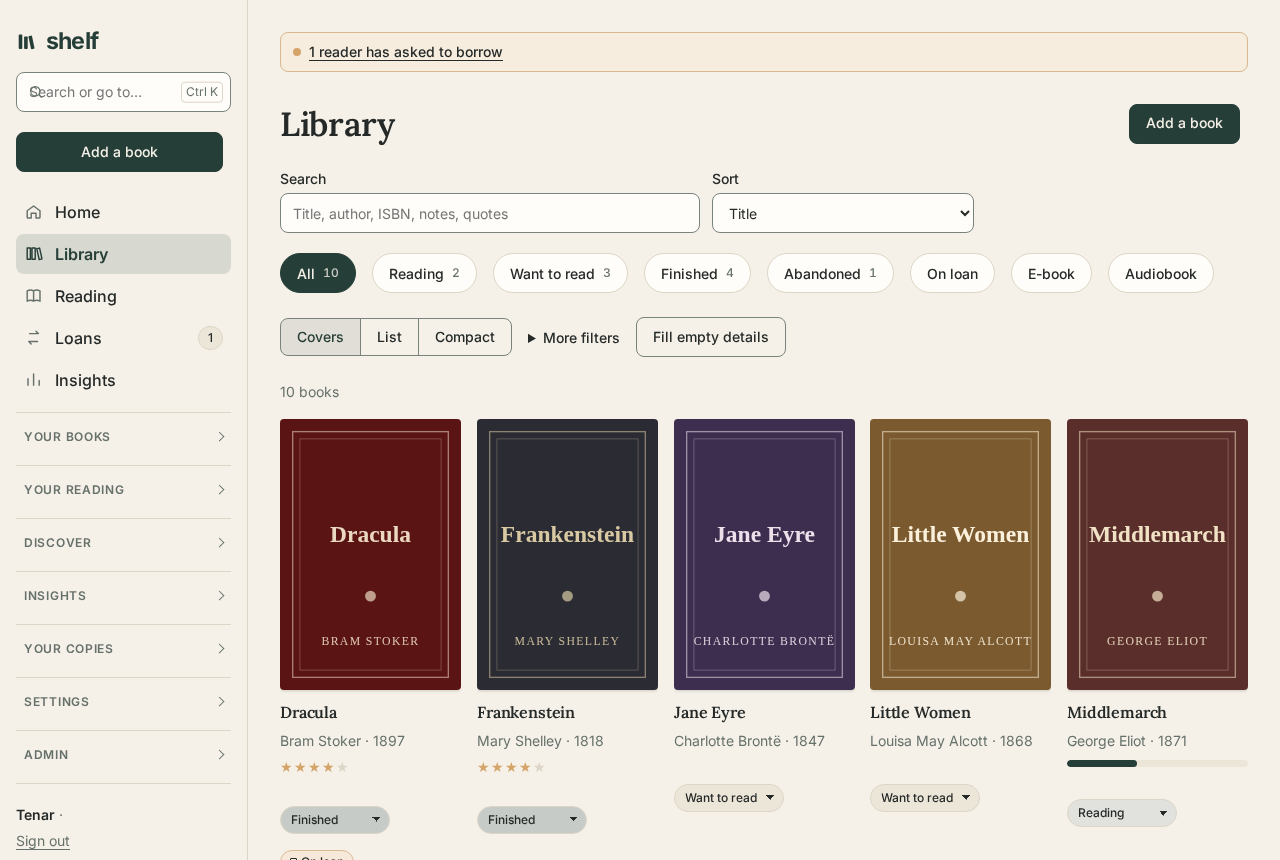
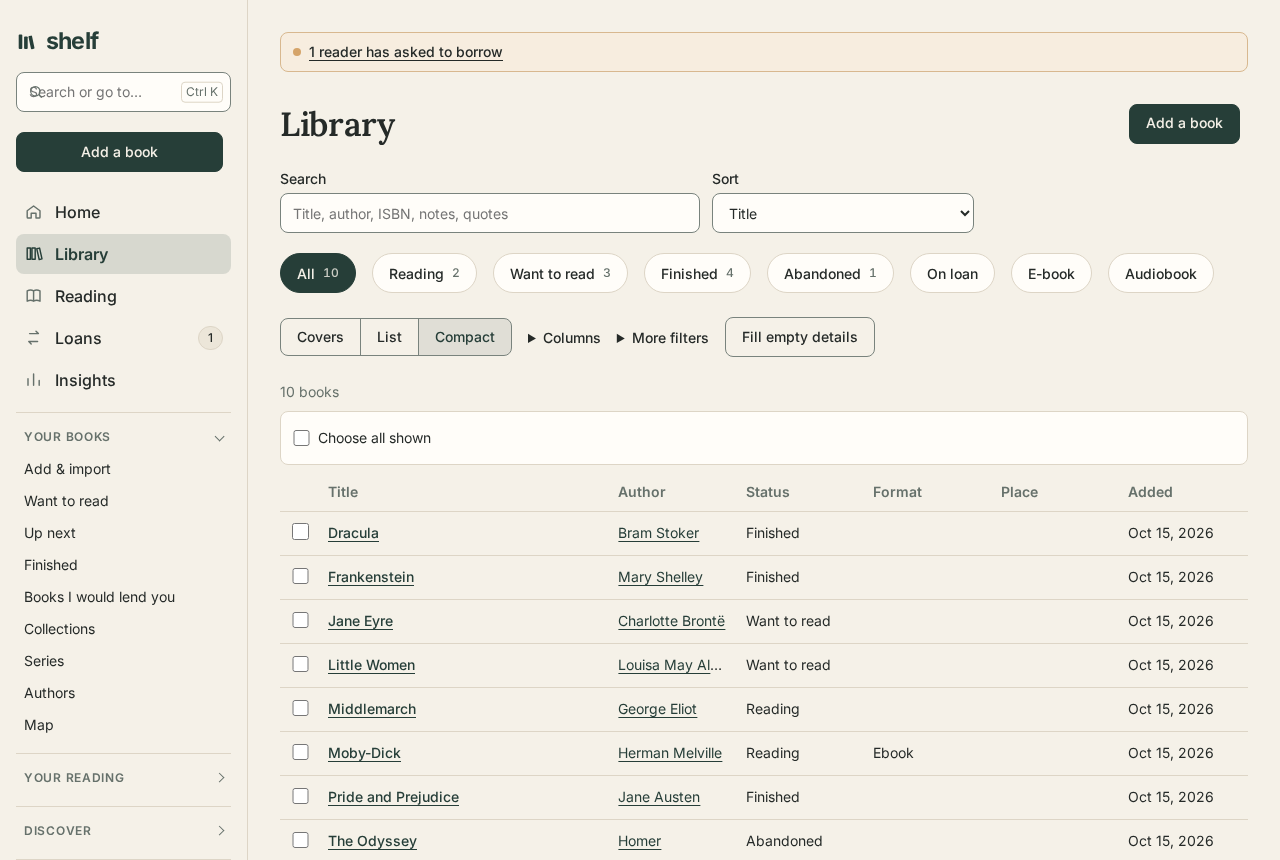
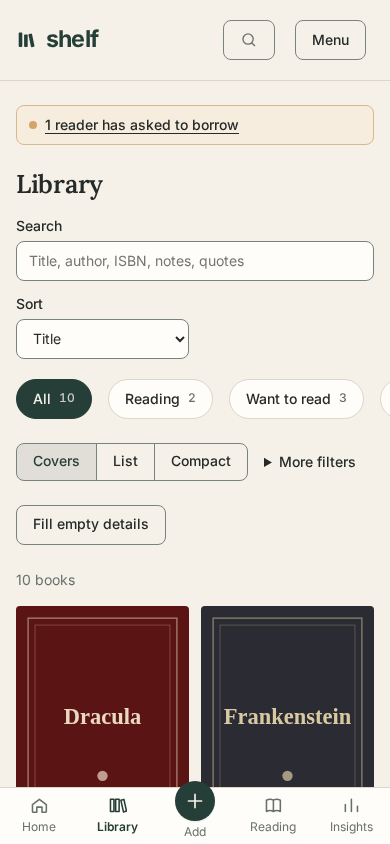
A paperback, its EPUB, and its audiobook are one book with one reading log. See the shelf as covers, a list, or a compact table that scrolls through 70,000 books as easily as 70, with a chip for each status and an order that's kept. Every book has its series, translator, edition, place on your shelves, condition, rating, review, and tags, filled from an ISBN or a scanned barcode.
Go anywhere from the keyboard
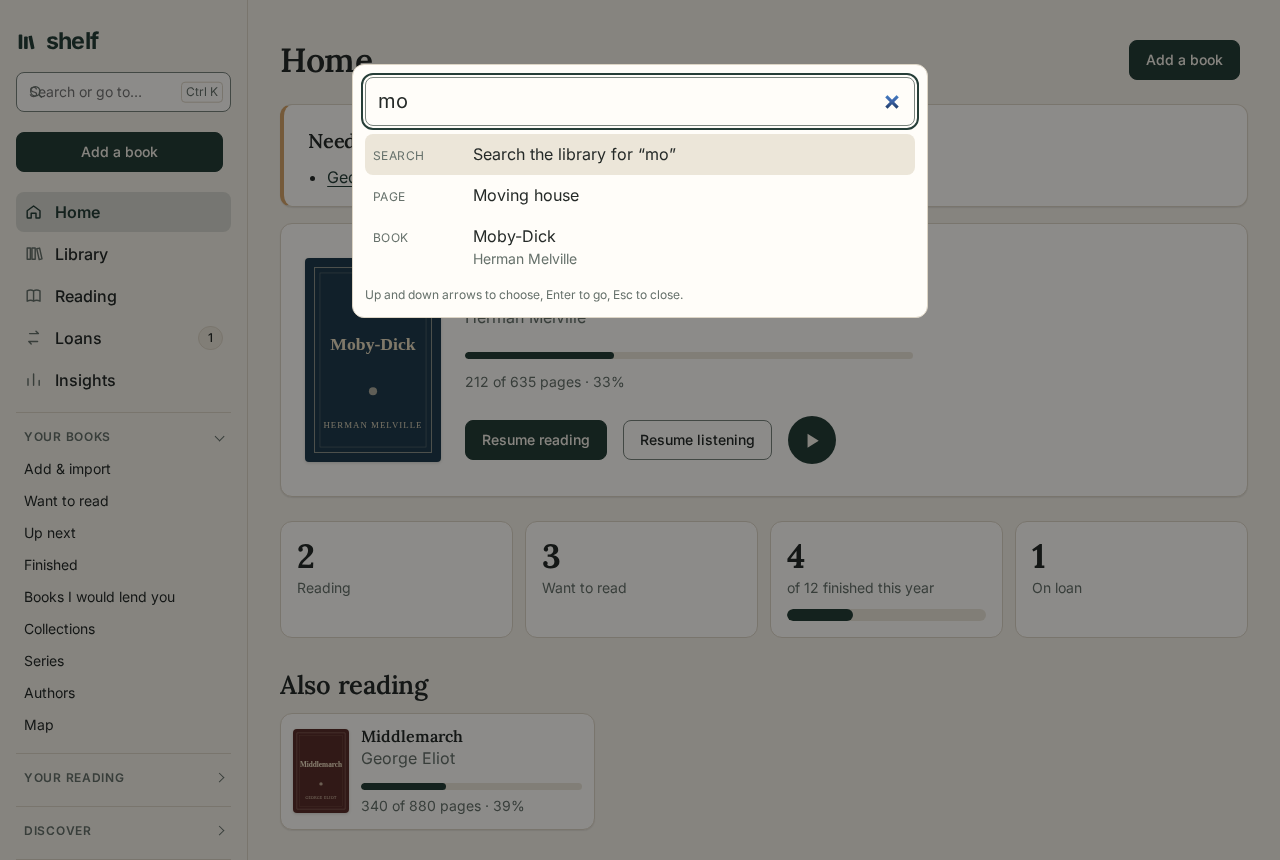
Ctrl K, ⌘ K, or "/" opens Go to: a page by its name or what it's for, and any of your books, authors, series, places, and collections by a few letters. Enter searches the whole library. "?" lists every key Shelf answers to.
Read in the browser
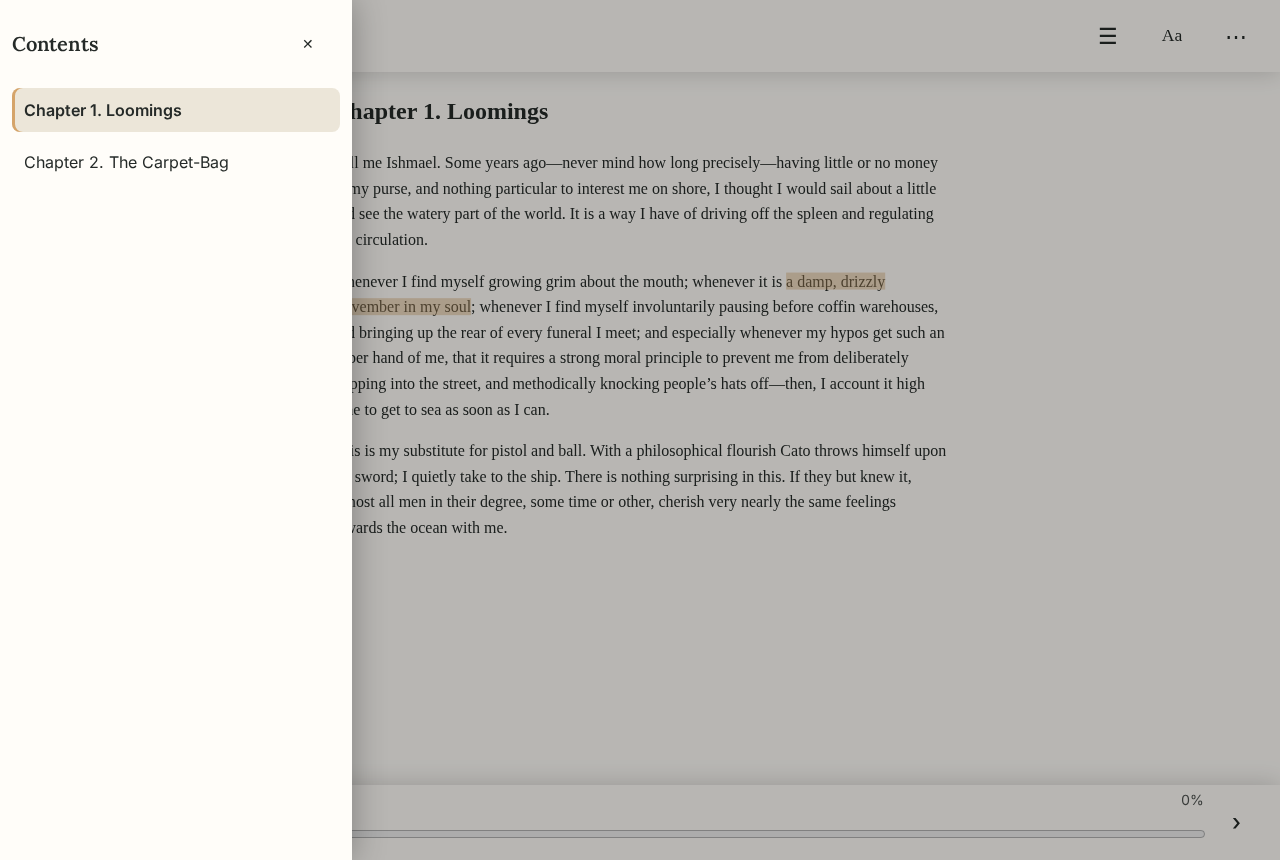
EPUBs, PDFs, and comics open in the browser, at your text size and in your typeface, back where you stopped. Highlight and make notes, look a word up, have it read aloud, or catch up with a summary of the story so far. Scanned PDFs are read with OCR, and kept books read offline.
Listen to audiobooks
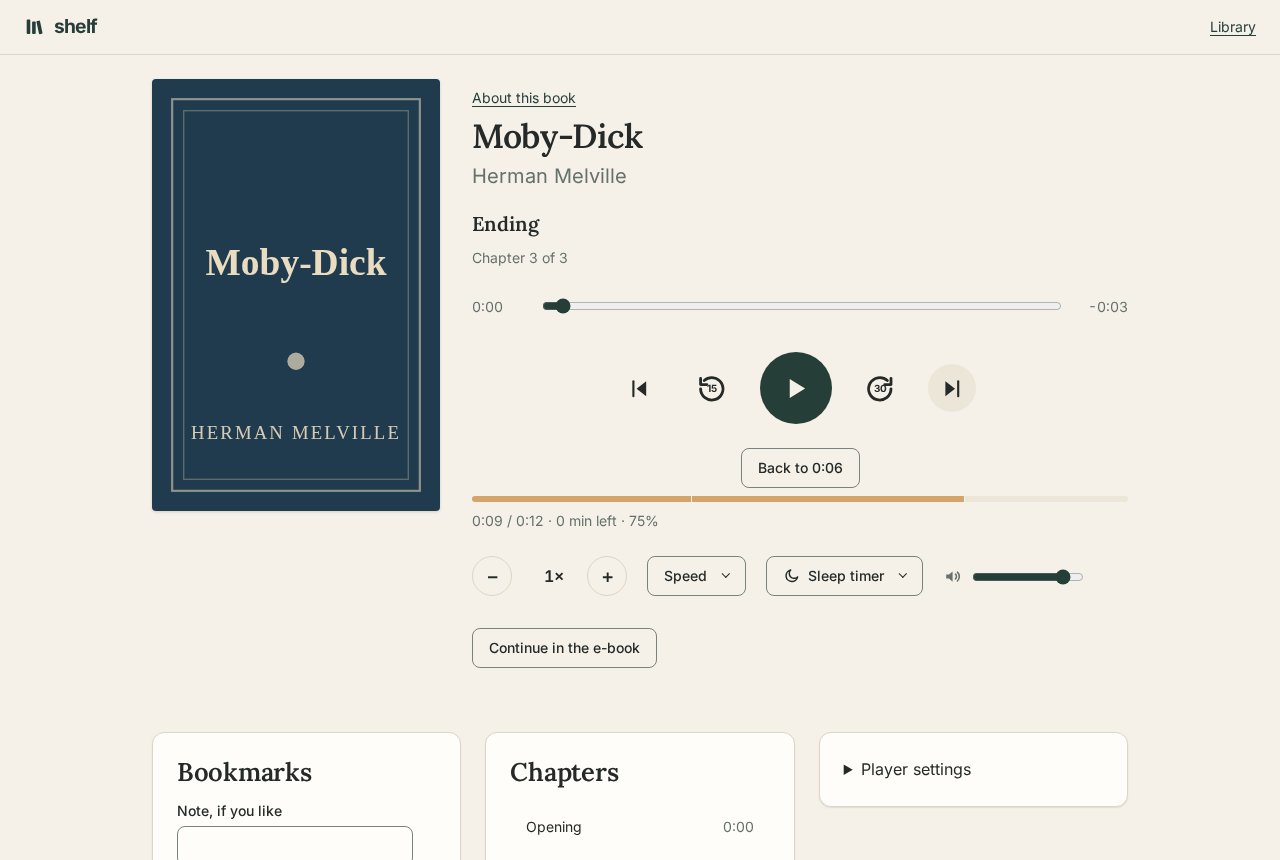
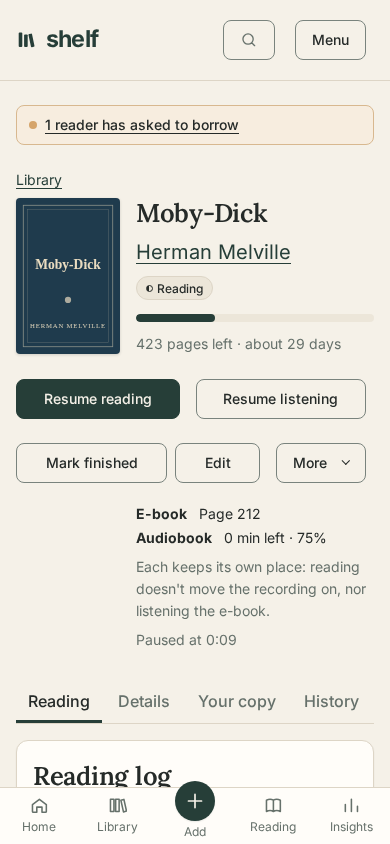
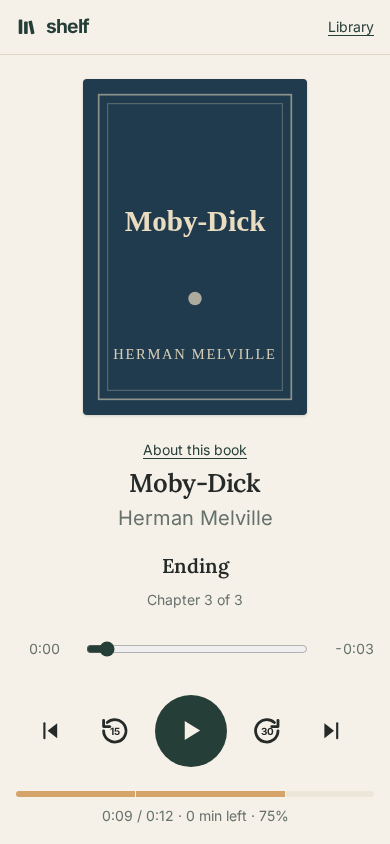
One file or a folder of tracks plays as one book, with chapters, bookmarks, your own speed, and a sleep timer that fades the sound out rather than cutting it off. Coming back after a pause, it starts a few seconds before where it stopped, more the longer you were away, and a skip to the wrong chapter can be taken back with one button. The book plays on in a small player while you move around the shelf, and on the lock screen. Own the e-book too? Carry on in it where you stopped listening, or listen while each word is marked as it's read.
On your phone
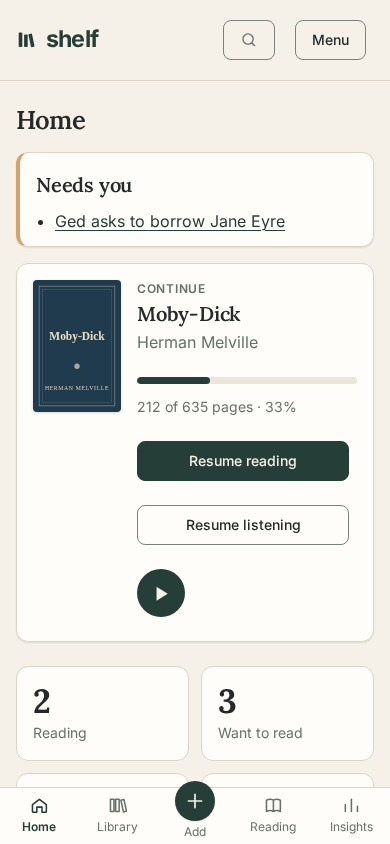
Every page works on a phone, with the places you go most along the bottom. Add Shelf to the home screen and it opens like an app, with notifications and books kept for reading offline.
Lend, borrow, and read together
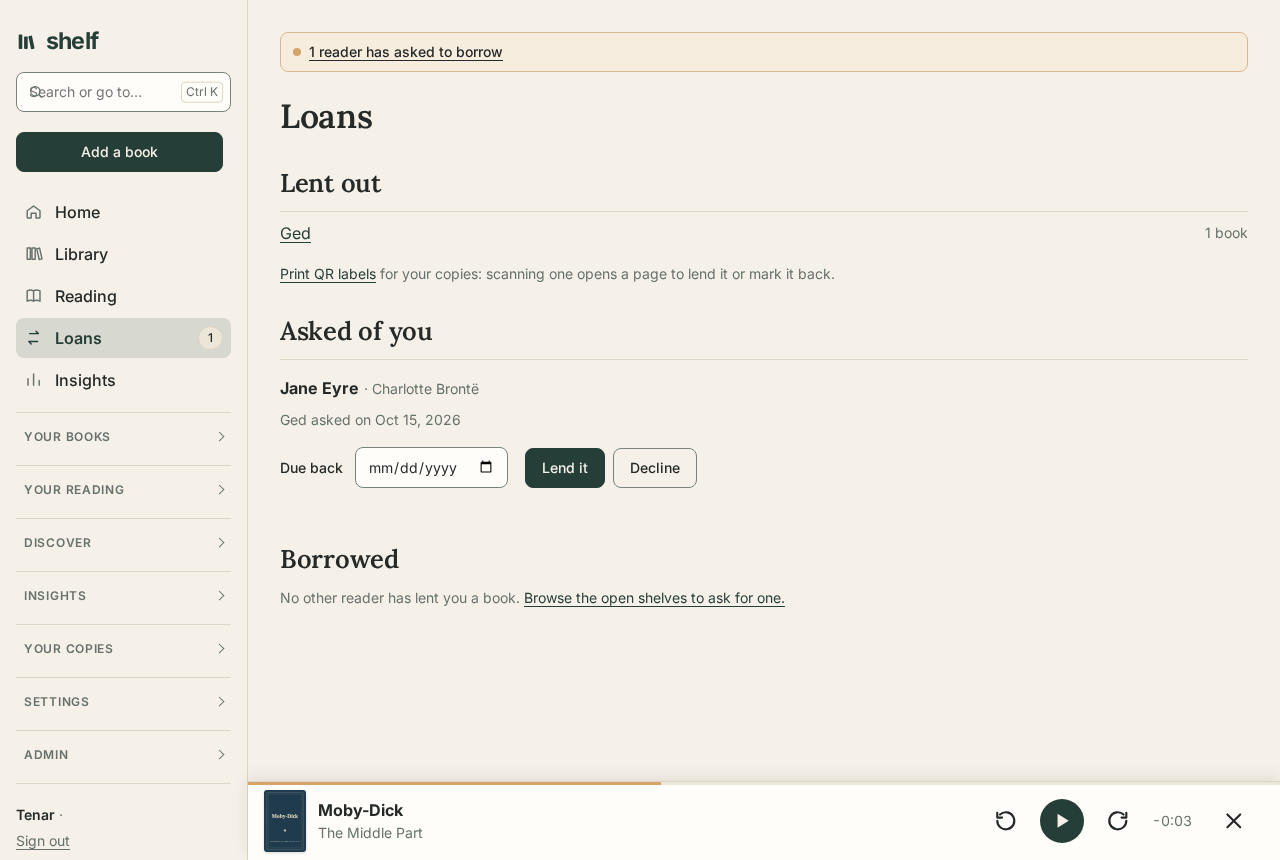
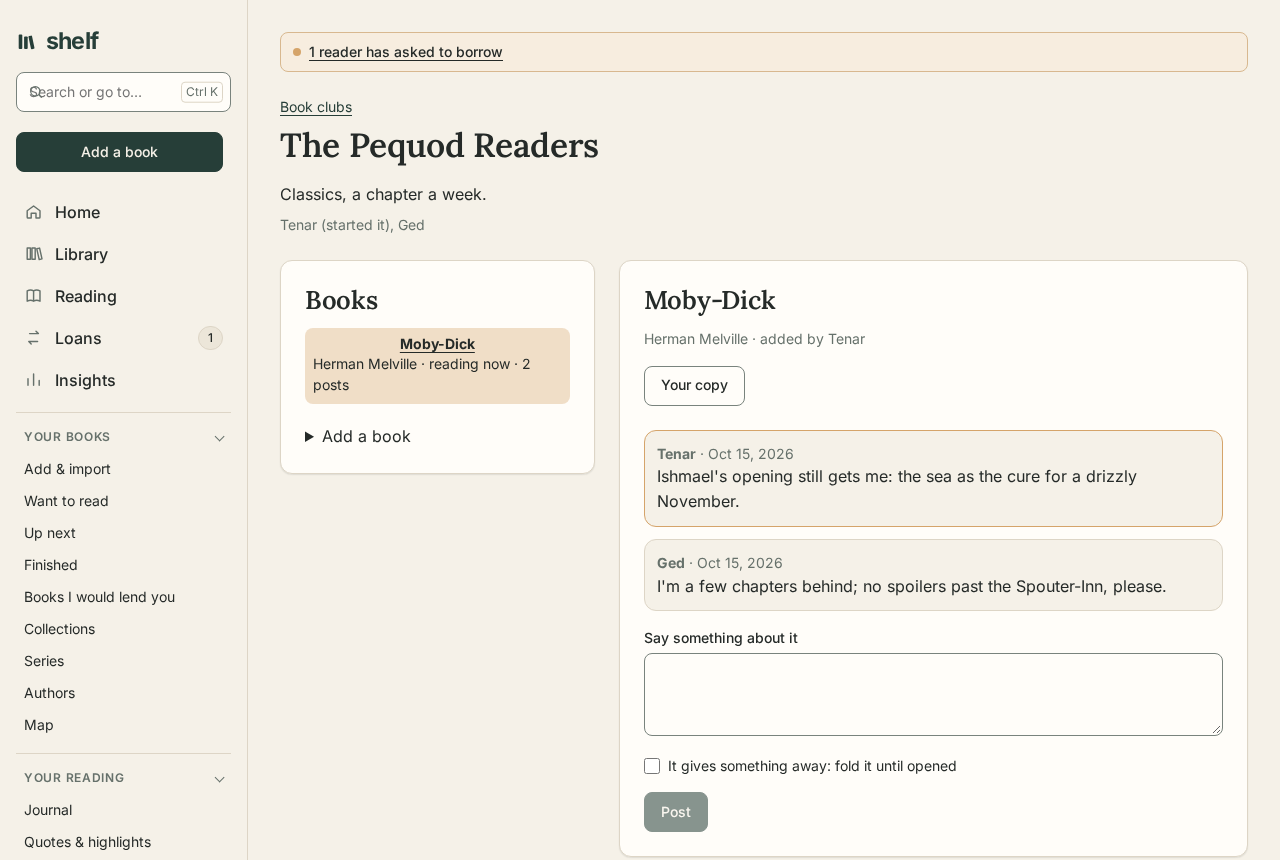
Everyone on the shelf has a shelf of their own, children too. Lend a book with a due date, and the borrower reads or listens with their own place and notes. Open your shelf so others can ask to borrow, wait in line for a book that's out, or link a friend's Shelf to borrow across. Start a book club: pick the book, arrange meetings, send questions ahead, and talk about it with spoilers folded away. Members hear of each meeting a day and an hour before.
Bring a library in
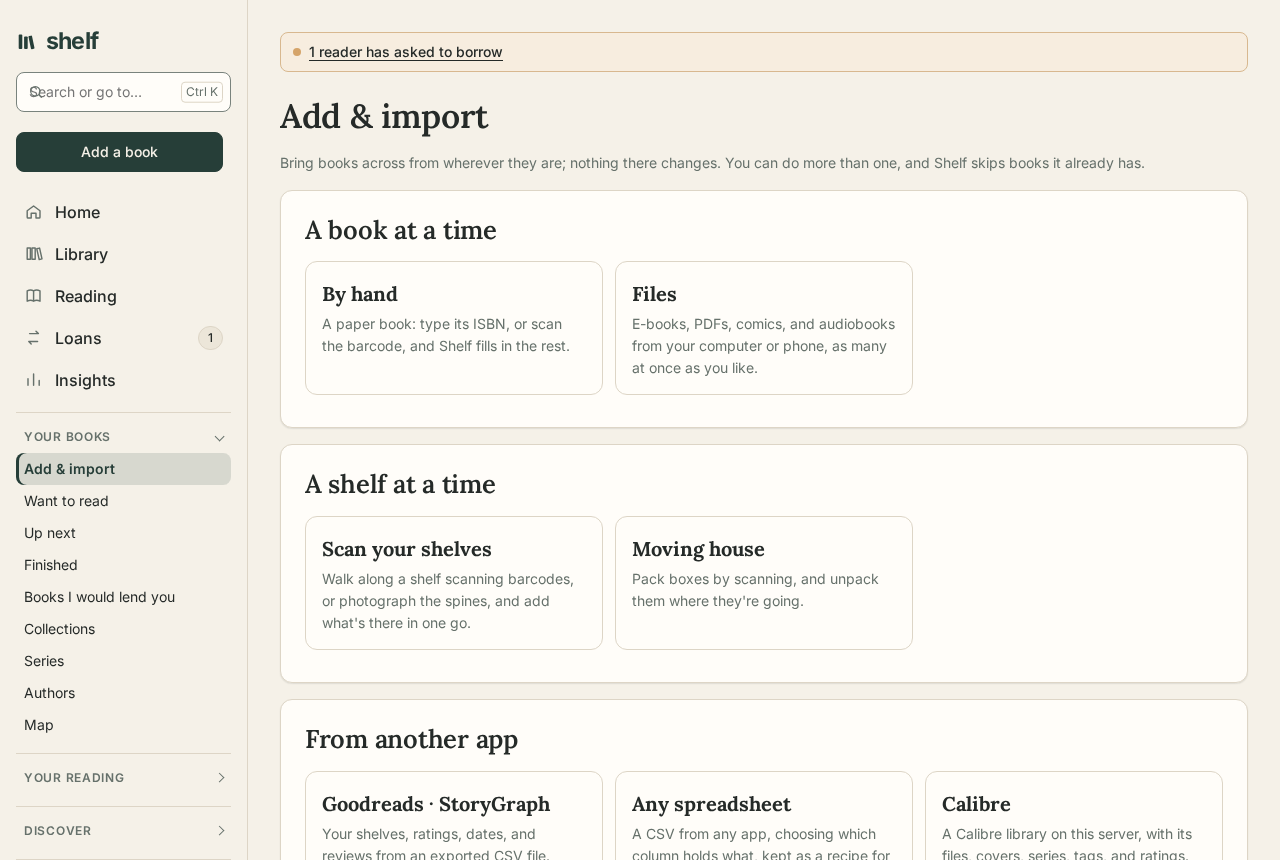
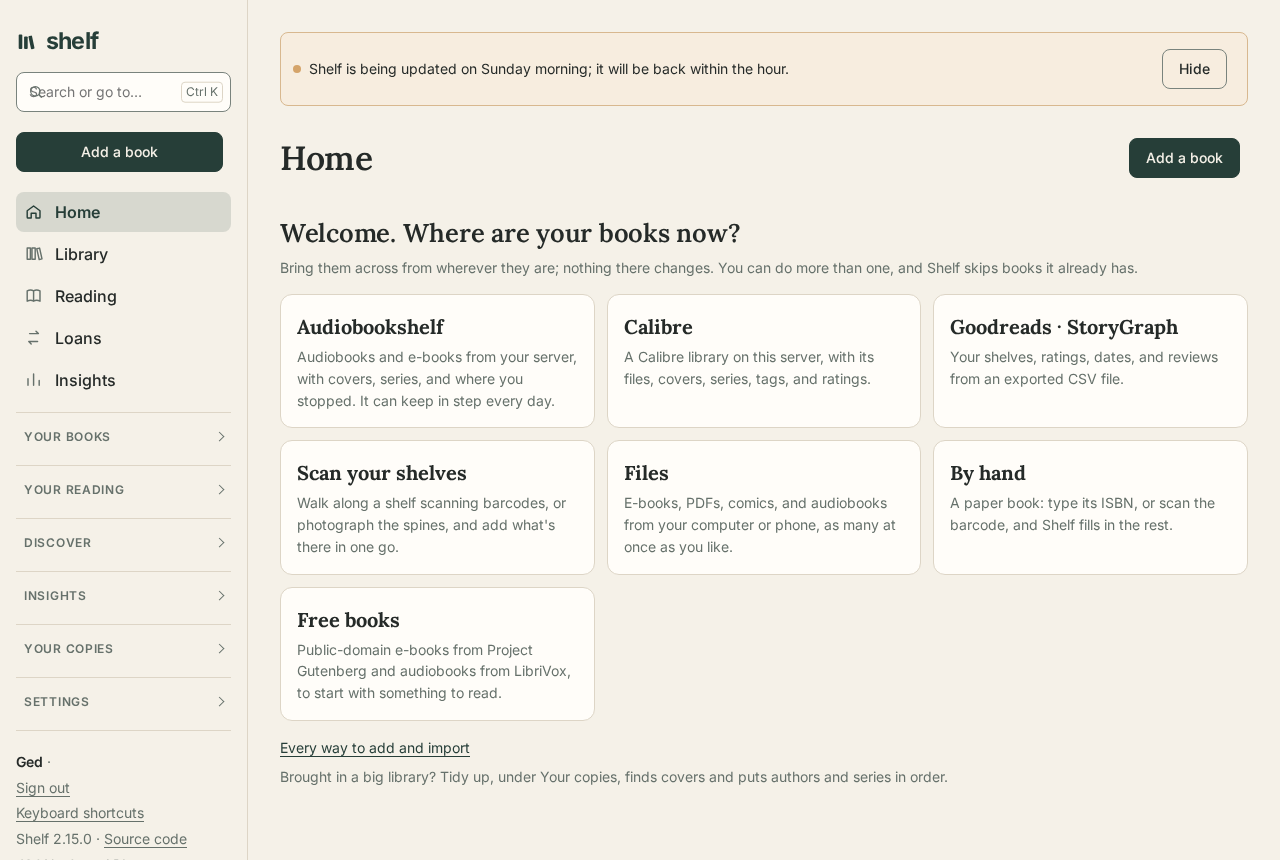
Drop in a folder of files, import from Audiobookshelf, Calibre, Goodreads, StoryGraph, or any spreadsheet, scan a pile of books by their barcodes, photograph the spines on a shelf, or add free public-domain books. Shelf skips books it already has, and every import can be undone at once.
Your devices and apps
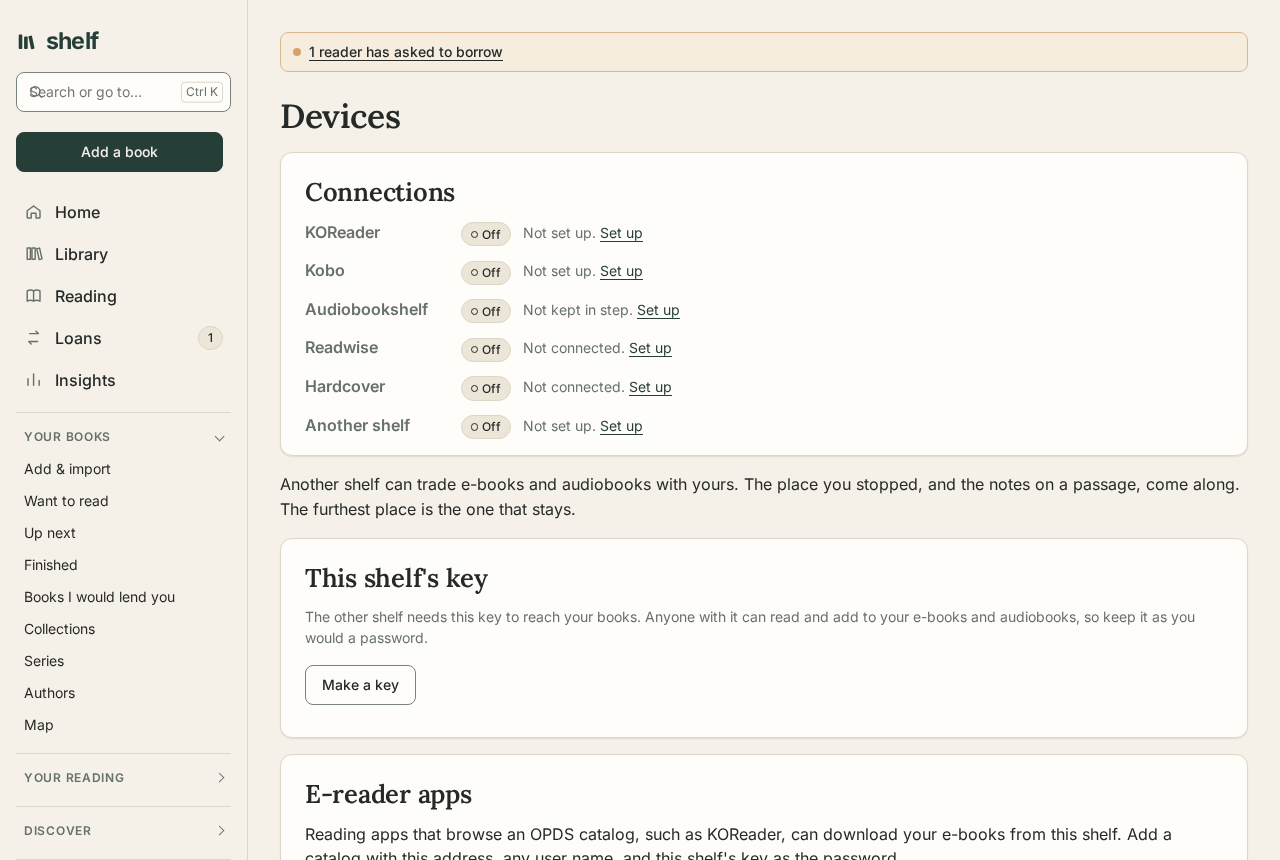
A Kobo syncs with Shelf as with its own store. KOReader downloads from Shelf's catalog and keeps its place, highlights, and reading time in step. Audiobookshelf's phone apps sign in to Shelf as to their own server, for Android Auto and CarPlay. Send e-books to a Kindle, and keep highlights in step with Readwise and books with Hardcover.
Hear about what matters
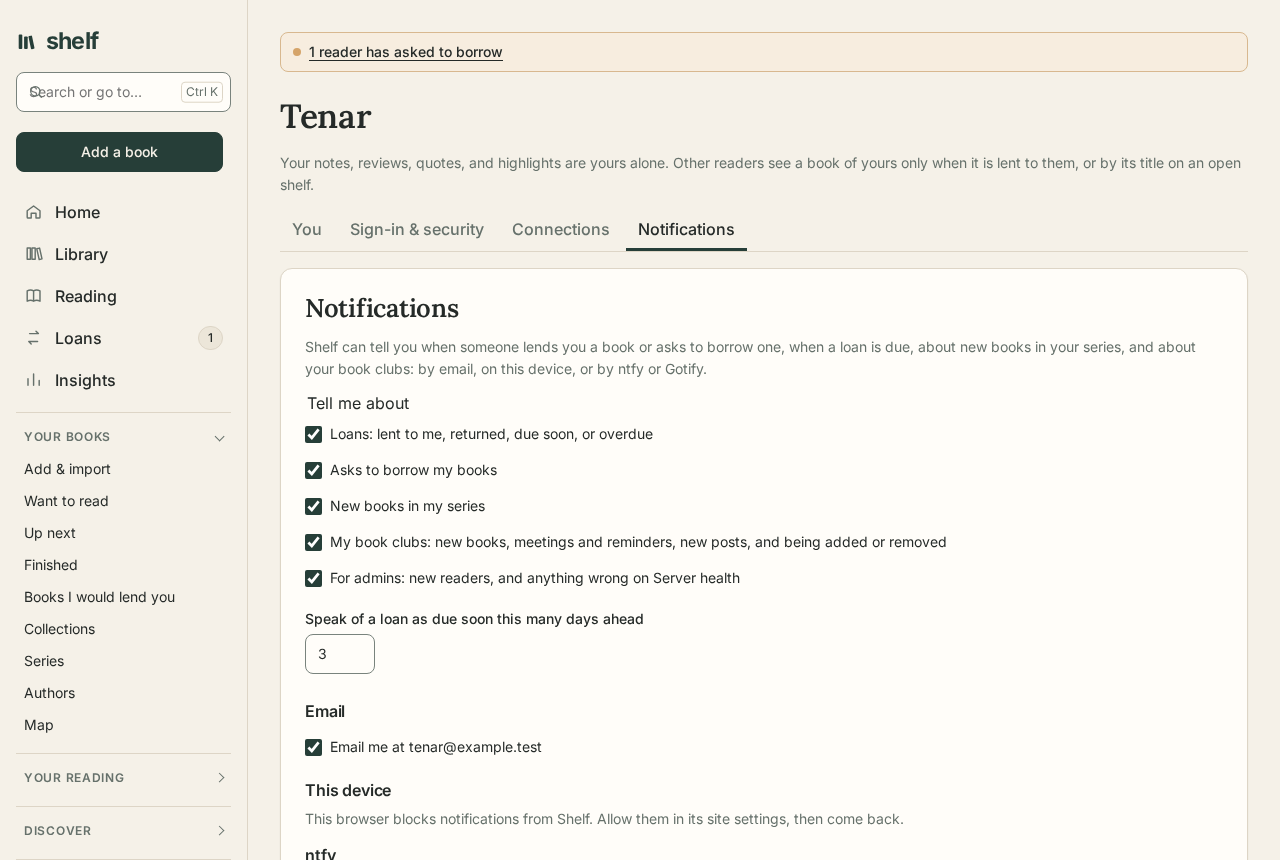
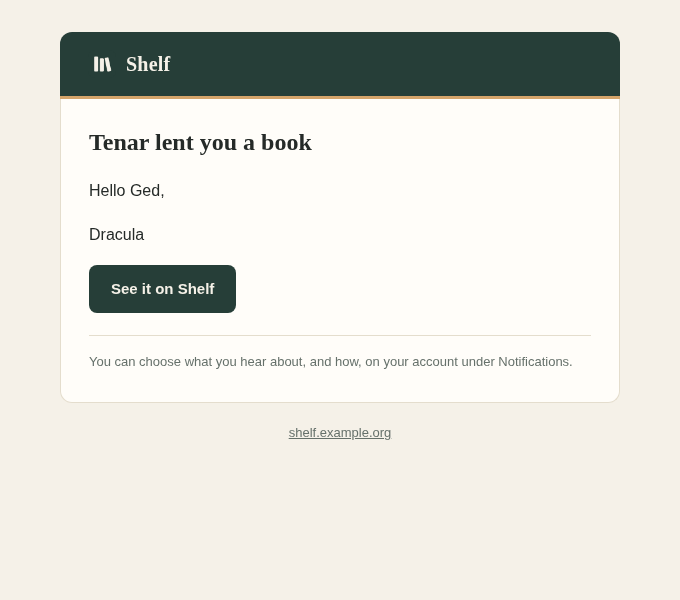
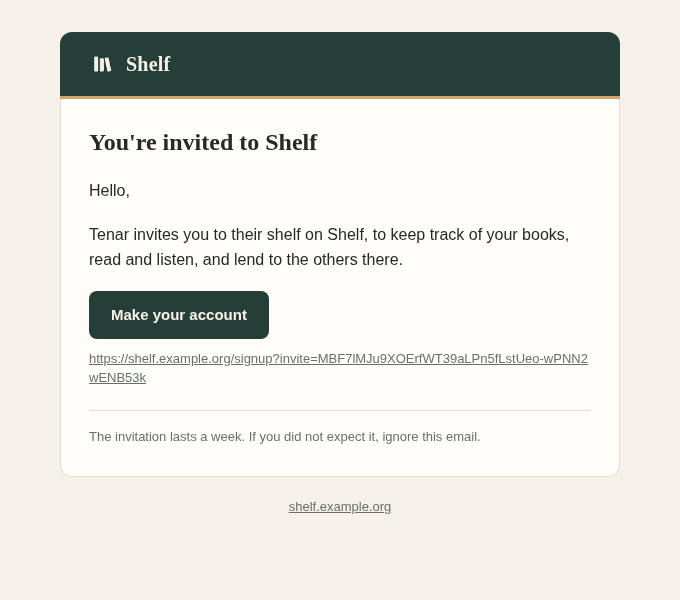
A book lent to you, an ask to borrow yours, a loan due soon, a new book in a series you read, a meeting coming up in your club: Shelf tells you by email, on your phone or computer, or by ntfy or Gotify, for the kinds you choose. Emails come in the shelf's own colours, with a button to what they're about.
Know your reading
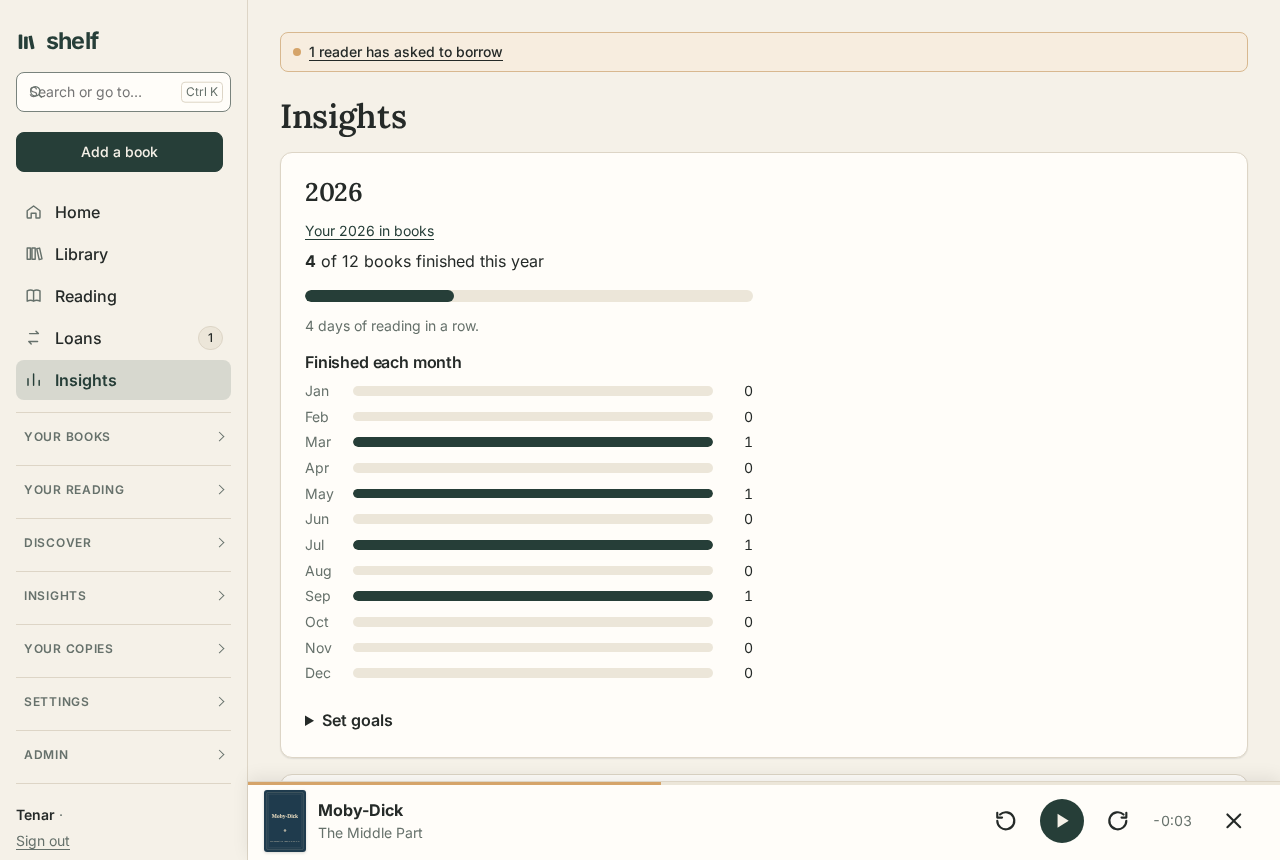
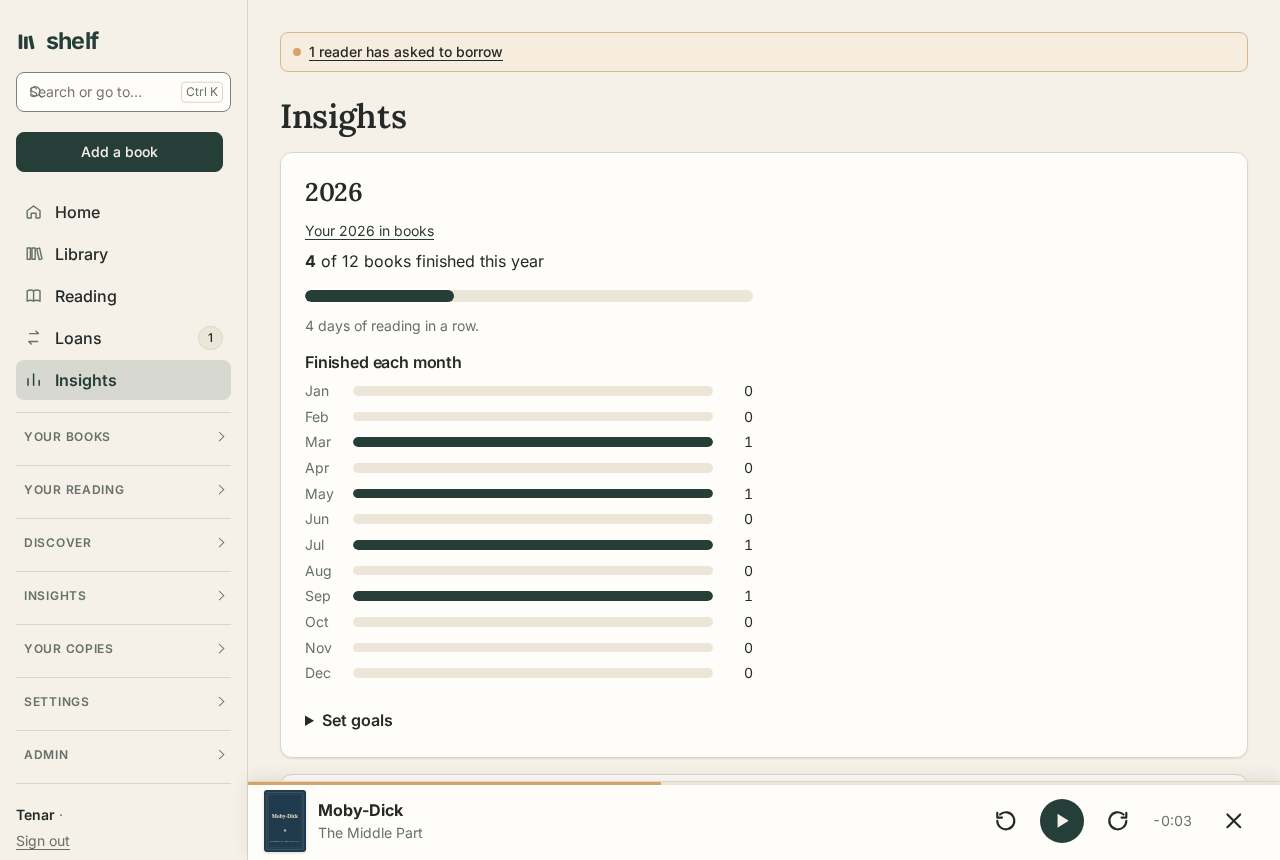
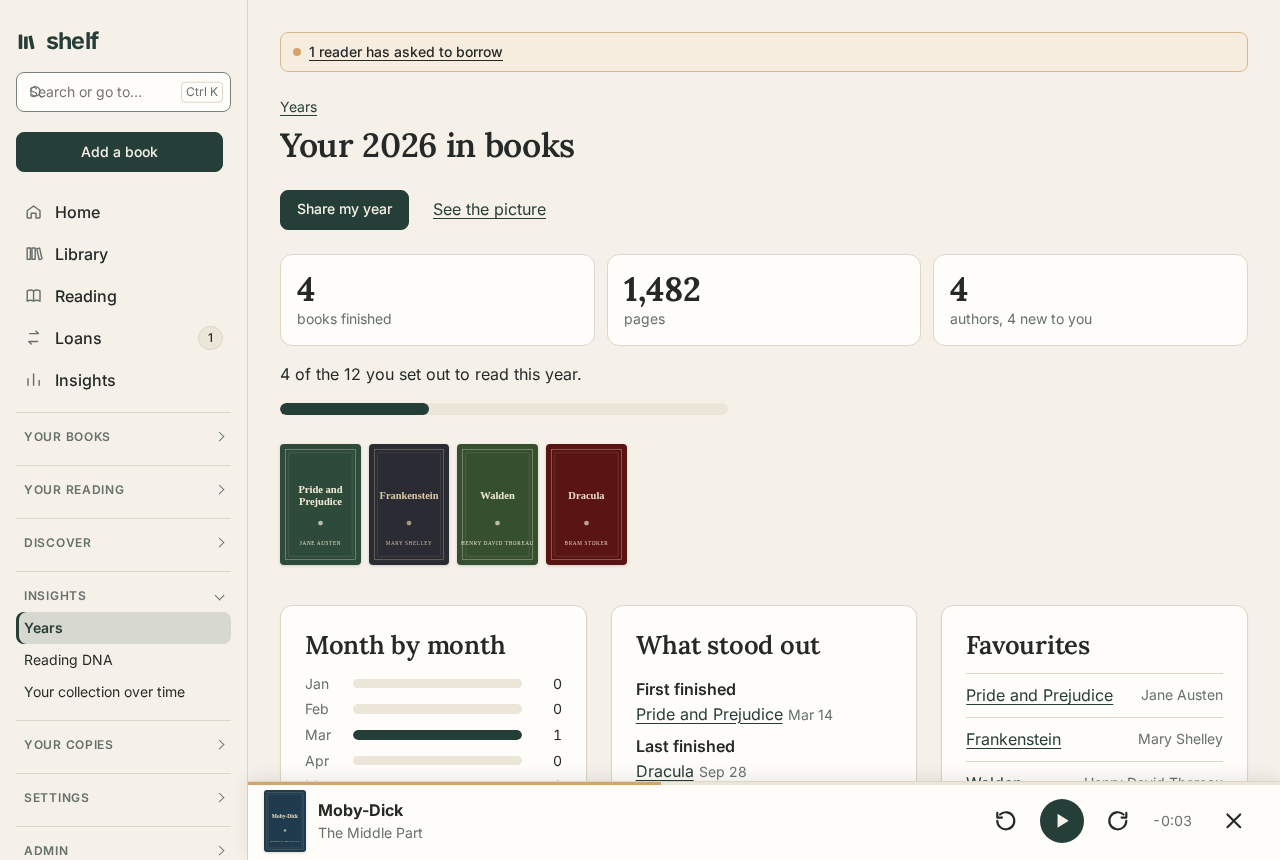
Goals for books, pages, and hours; a calendar of reading days and a streak; every quote and highlight in one place; a review of each year; and what to read next.
Run it for everyone you share it with
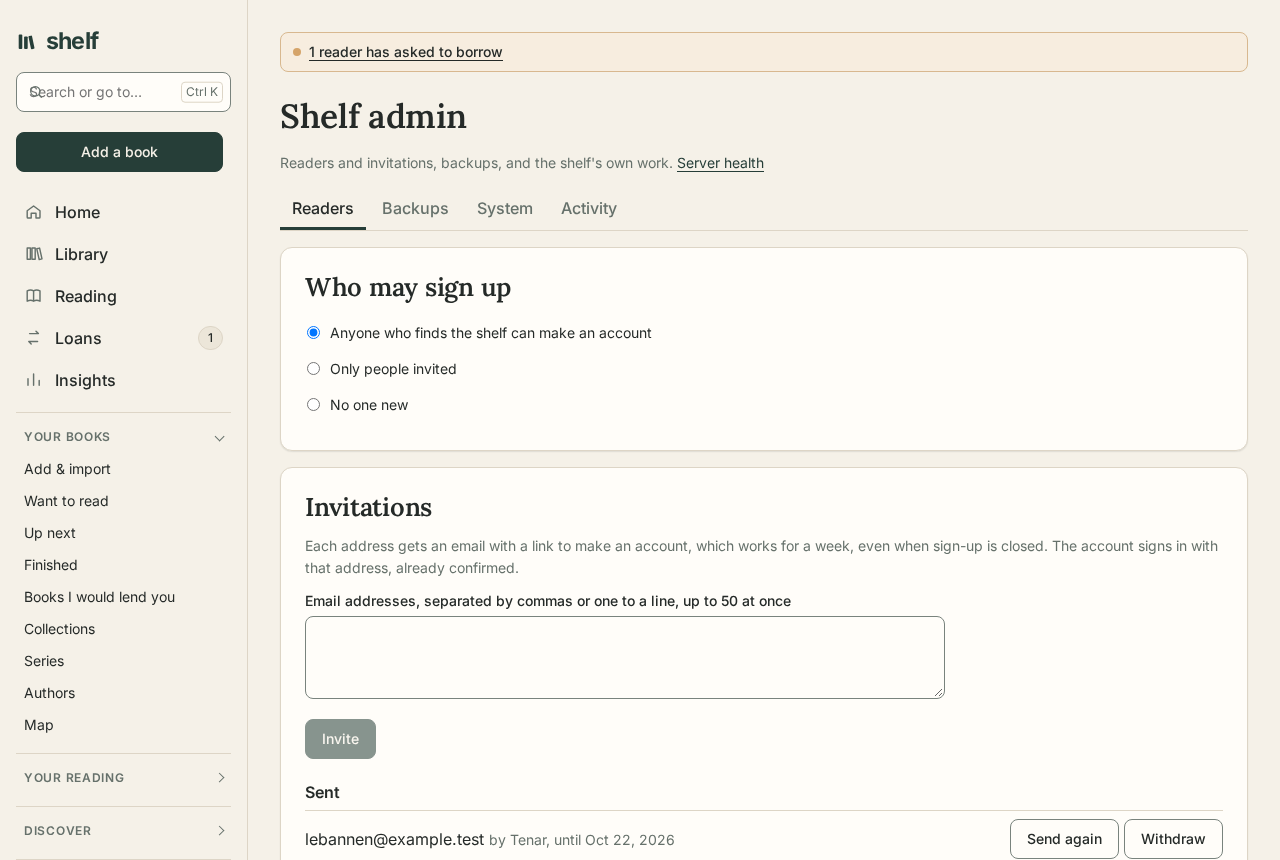
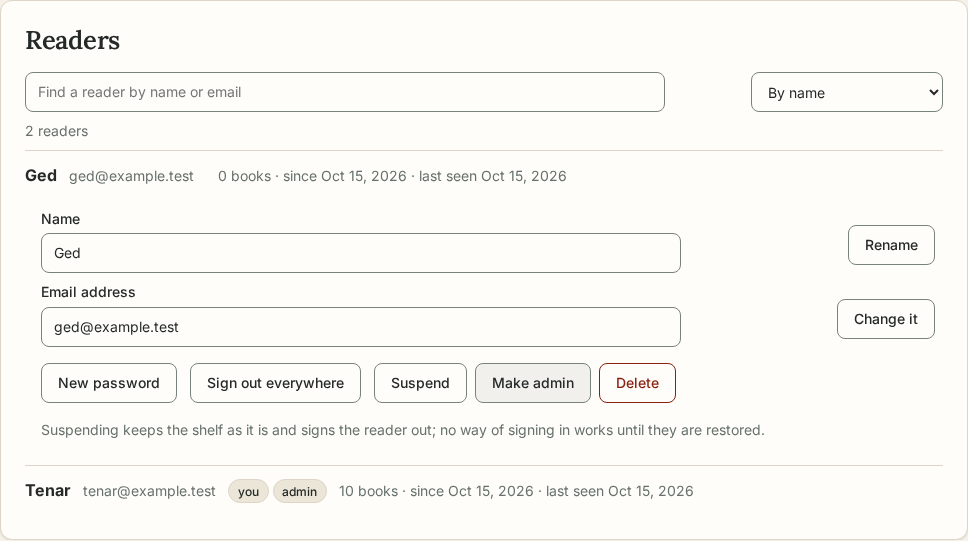
Invite people by email, even with sign-up closed, and choose who may sign up. Find any reader, see when they were last on, and rename them, change their address, sign them out everywhere, or suspend them while keeping their shelf. Run background work on demand, check that email goes, and put up a note for every reader.
Yours, and safe
Your books and your data stay on your server. Readers sign in with their email address, a passkey, or your own single sign-on, with two-step sign-in, an email whenever how they sign in changes, and Cloudflare Turnstile on the public forms if you like. Nightly backups are proved to restore, can be copied elsewhere, and Server health says what needs you.
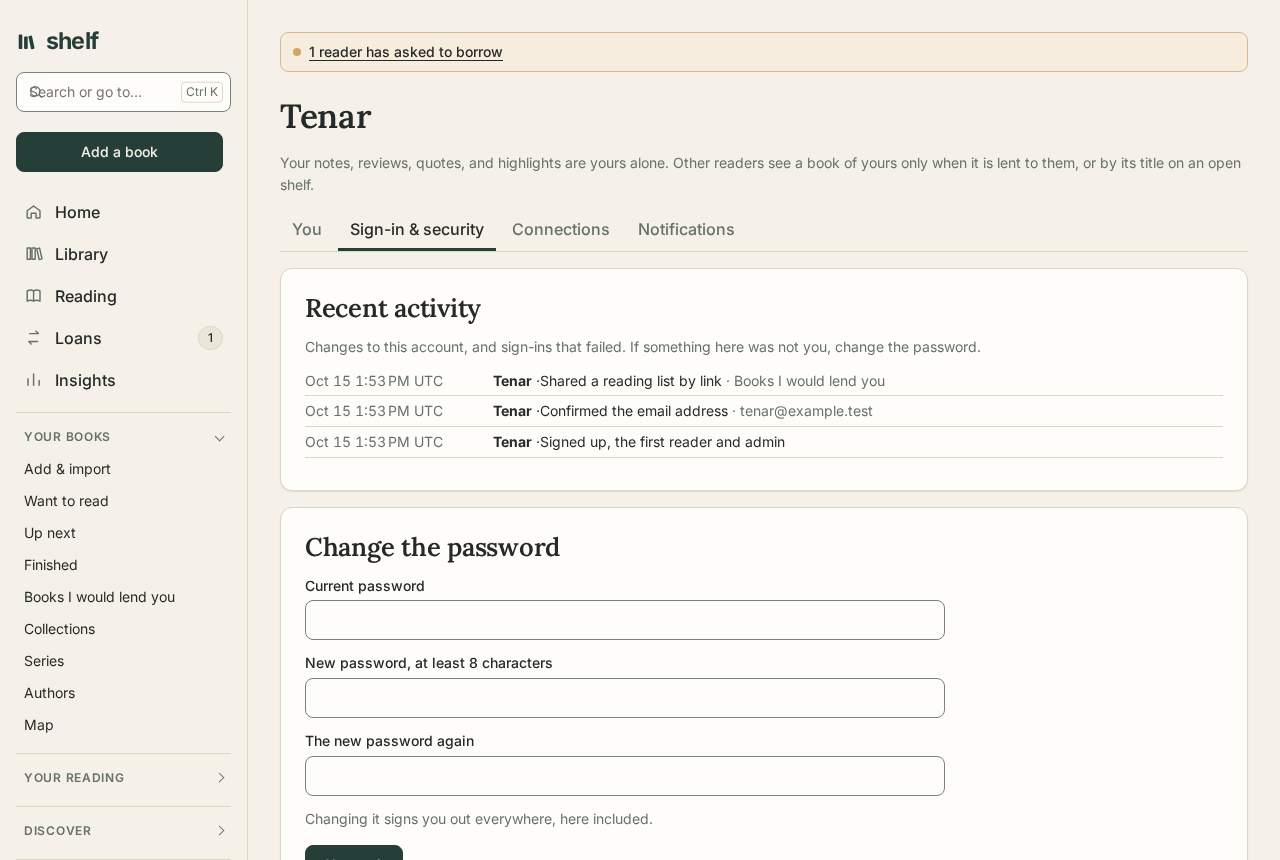
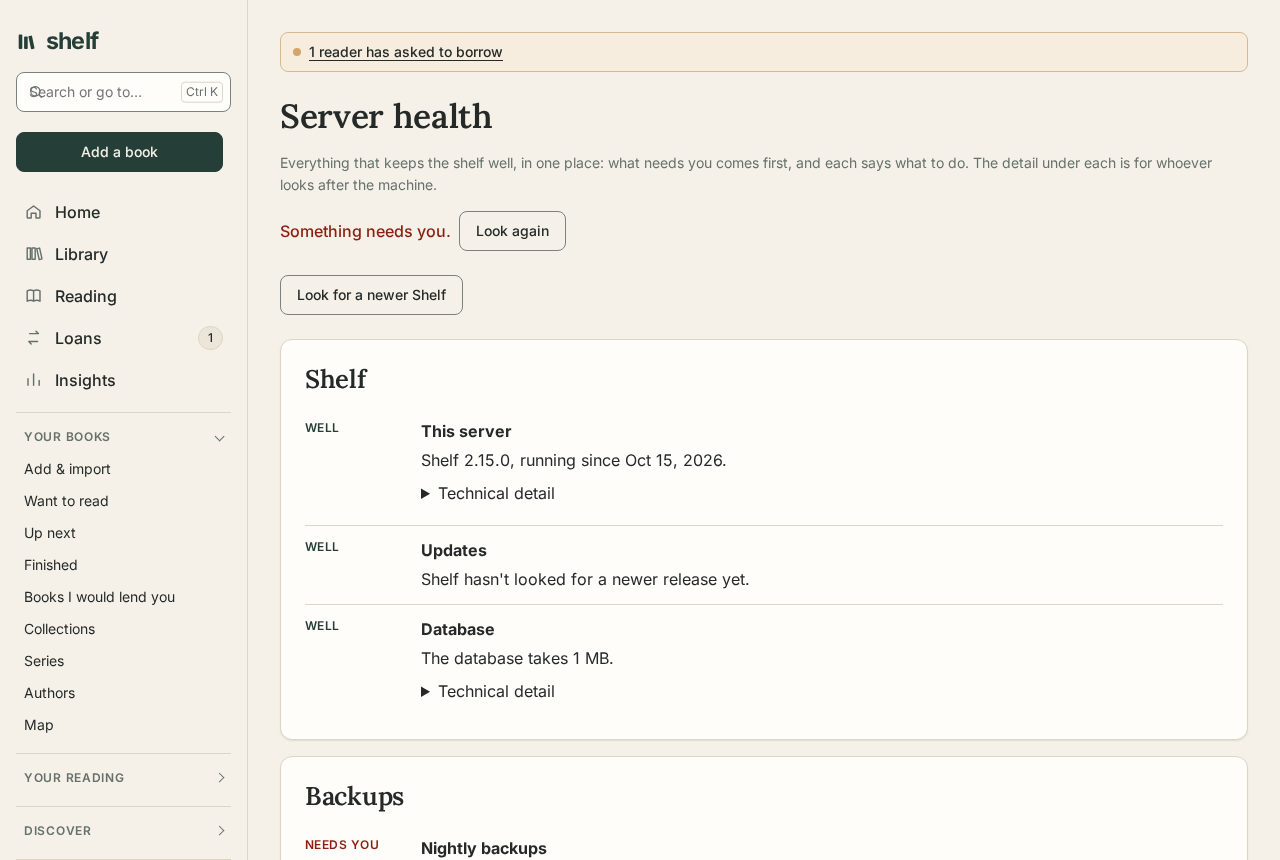
Accounts and security · Backups
Light or dark, in four languages
Dark mode follows the system or your choice. Pages are in English, Spanish, French, and German, chosen by each reader, with dates written the way their region writes them.